Introducing GeoBarta Fact Check: Put News Coverage in Context
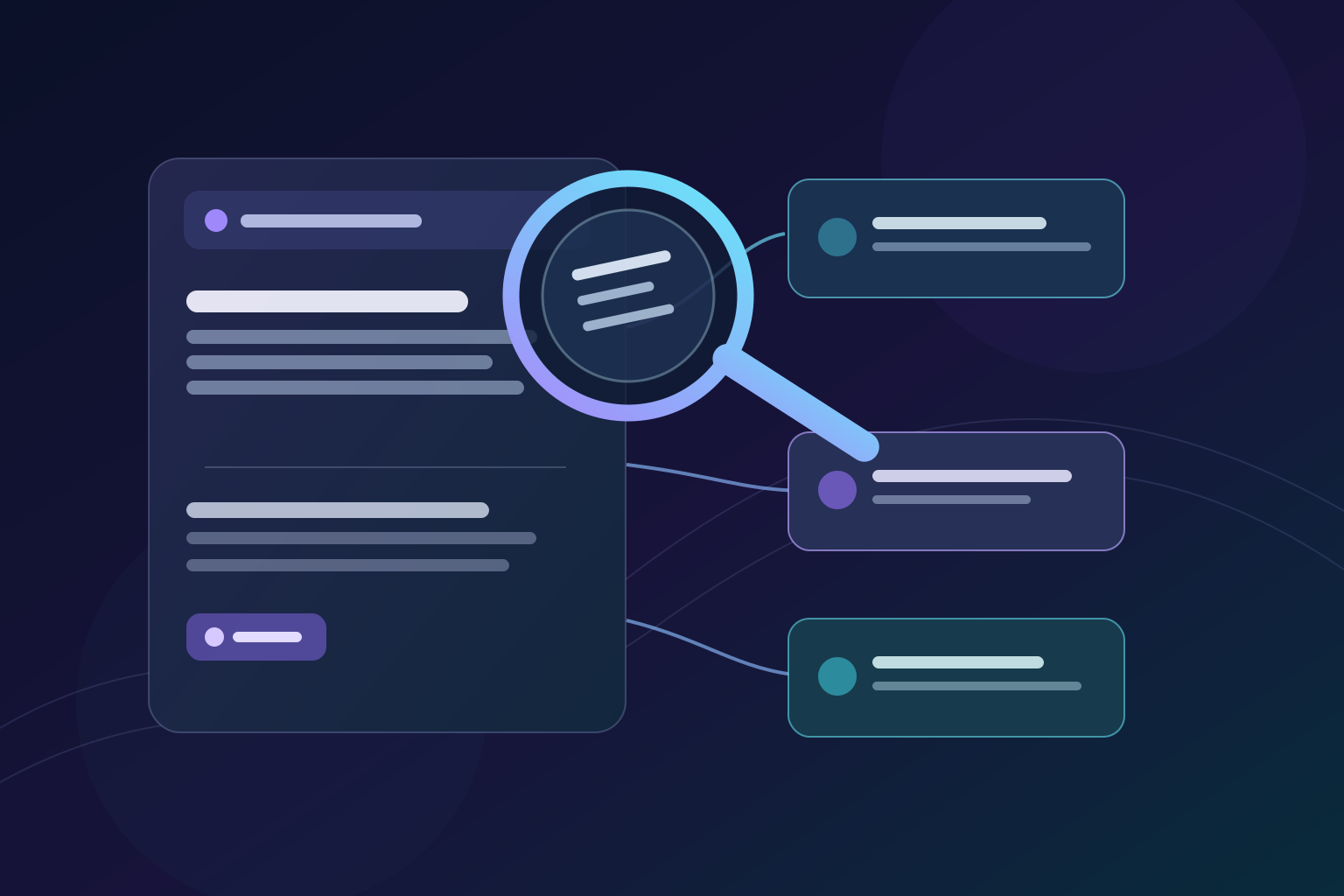
Quick answer: GeoBarta Fact Check is a new way for signed-in readers to examine a point in a news briefing. It shows how broadly the story is reported, how many articles are associated with it, and the time span of that reporting. An optional in-depth check can provide additional web context with links to the material it cites. It is a reading aid, not a verdict that a claim is true or false.
A single sentence in a news briefing can raise useful questions: How much reporting is behind it? Is the story still developing? Where can I read more before sharing it? Fact Check puts those questions closer to the point you are reading, so you can move from a short summary to the underlying context without starting a new search from scratch.
What Does GeoBarta Fact Check Show?
Open Fact Check on a briefing point to see three reporting signals:
- Coverage confidence: A high, medium, or low label based on the number of distinct news feeds with articles associated with that story. It measures coverage, not source quality or the truth of any claim.
- Sources and articles: Counts of associated feeds and articles. Different feeds can repeat the same underlying report or mistake, so a higher count is not independent confirmation.
- Story growth: The time span between the earliest and latest associated article publication dates. It does not, by itself, show whether the facts of the story have changed.
These signals are a starting point, not a substitute for reading the original articles. If a detail matters to you, check its attribution, date, and wording in the source itself.
How Do You Use Fact Check in a Briefing?
- Sign in and open a GeoBarta news briefing.
- Find the point you want to examine and select Fact Check beside it.
- Read the coverage label, source and article counts, and reporting timeframe. Ask what those signals do—and do not—tell you.
- If you need more context, choose Run in-depth check. When an assessment and references are available, you can follow the numbered citations or open the listed sources to read them yourself.
You can also open View sources beside a point to go directly to the articles associated with the briefing. Fact Check adds context to that reporting; it does not replace the reporting.
What Is an In-Depth Fact Check?
The optional in-depth check looks for additional web reporting relevant to the story and may return an AI-generated assessment with cited references. Citation numbers in the assessment lead to the referenced pages when links are available. Read those pages in full: a source may support only one part of an assessment, contain qualifications, or have been updated since the check was generated. A citation identifies a reference; it is not an independent verification of the assessment.
Signed-in free readers have a daily allowance for in-depth checks; the modal shows how many remain. GeoBarta Pro offers more access. Availability and limits may change, so use the allowance shown in the product rather than assuming a fixed number. If an assessment cannot be completed or is inconclusive, treat that as an invitation to keep checking—not as proof either way.
Does a High Confidence Label Mean a Story Is True?
No. The label reflects how widely a story is reported by distinct feeds. It does not verify every quotation, image, statistic, or allegation in an article. Multiple reports can rely on one original account, and a well-supported new story may initially have few sources. For consequential claims, look for primary documents, independent reporting, corrections, and the latest developments.
For a practical reading checklist, see our guides to spotting a trustworthy headline and verifying news sources.
Frequently Asked Questions
Is GeoBarta Fact Check a professional fact-checking verdict?
No. It provides coverage signals and, when requested and available, a generated assessment with references. It is not a certification, a guarantee of accuracy, or a replacement for professional fact-checking.
Do I need an account to use Fact Check?
Yes. Sign in to open Fact Check on a briefing point. Free signed-in readers can use the basic view and a limited daily allowance of in-depth checks; the product displays the current allowance.
Can I check a claim that is not in a GeoBarta briefing?
This feature is attached to a point in a GeoBarta briefing. It is not a general-purpose form for submitting arbitrary claims.
What if sources disagree or the result is inconclusive?
Follow the linked material, compare dates and original wording, and look for later updates or primary records. A lack of agreement should not be presented as certainty.
A More Careful Way to Read
Fact Check is designed to make it easier to pause at an important point, inspect the reporting behind it, and follow the evidence before drawing a conclusion. Start with a briefing, choose a point that matters to you, and take a closer look.
GeoBarta Fact Check is an informational tool. AI-generated assessments and linked pages can be incomplete, outdated, or mistaken; a citation is not an endorsement of a publisher or a guarantee that a claim is correct. For medical, legal, financial, or other high-stakes decisions, consult qualified professionals and primary sources.
Try GeoBarta Free
Get your AI-powered daily news summary in 60 seconds. No signup required.
Start Your Free BriefingContinue Reading
Product Updates · 12 min read
GeoBarta Mobile App: Complete Feature Guide Q1 2026 - Push Notifications, Offline Reading & More
Everything you need to know about the GeoBarta mobile app launching Q1 2026. Discover push notifications for breaking news, offline reading, audio briefings, home screen widgets, and more features designed for news on the go.
Guides · 7 min read
How to Read News Offline: A Practical Guide for Commuters and Travelers
Commutes, flights, and spotty connections don't have to interrupt your news routine. Here's how to keep reading offline.
Guides · 8 min read
Newsroom Platform Comparison: What Teams Should Look For
Choosing a newsroom platform means comparing collaboration, publishing speed, and editorial workflow. Here's what to evaluate.