How to Build a Calm, Distraction-Free News Experience on Your Phone
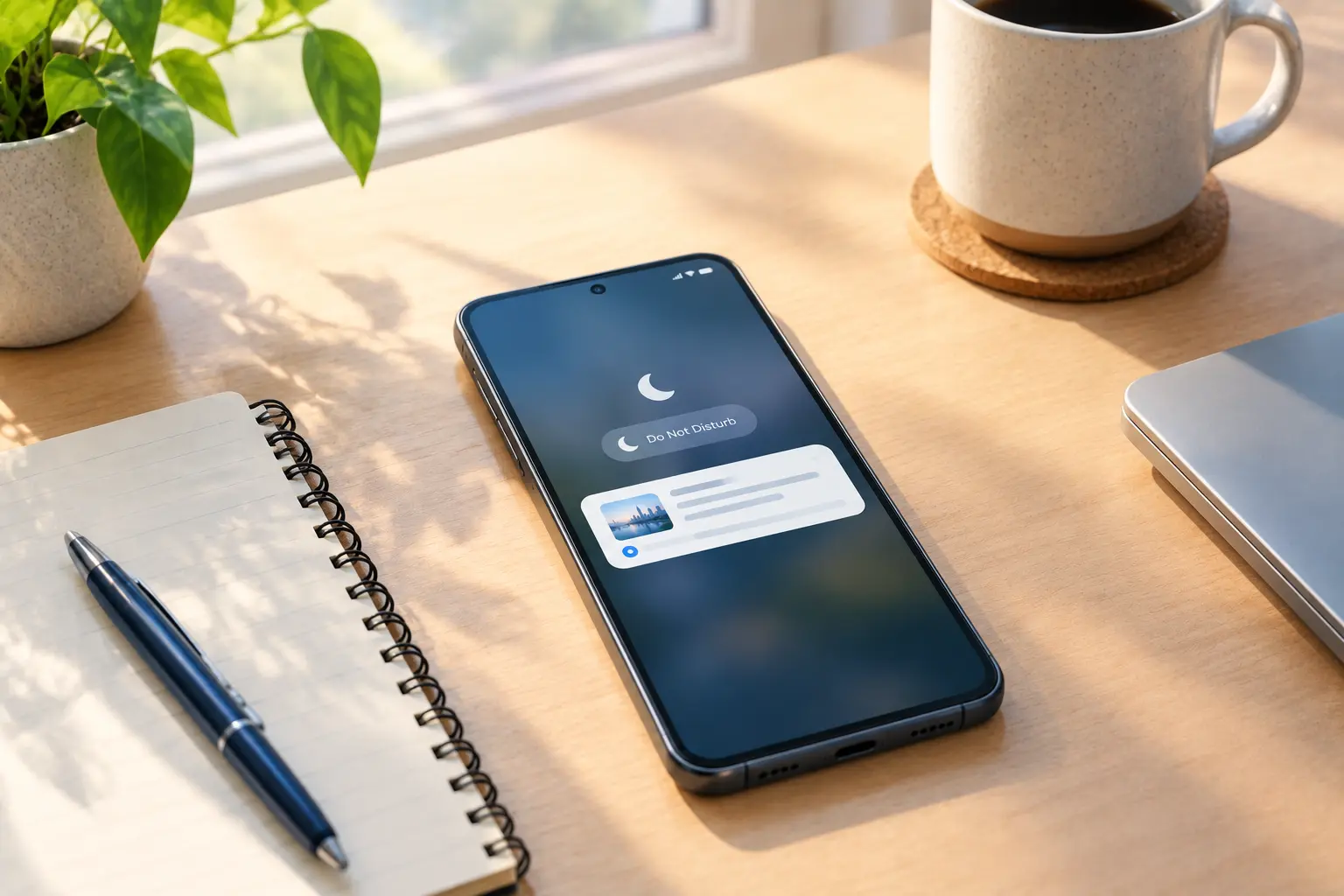
Quick answer: A calmer, more distraction-free way to read news on your phone comes from five concrete changes: batching notifications instead of letting them interrupt you in real time, arranging your home screen so a widget shows news at a glance instead of an app icon inviting a tap, setting a fixed reading time instead of checking whenever you think of it, removing apps or sources that mostly generate noise, and relying on a short briefing instead of an open-ended feed. None of this requires deleting apps you want to keep—calm news consumption is mostly a settings and habits problem, not an all-or-nothing one.
Most phones aren't designed to make news calm by default. Notifications arrive the moment something happens, feeds are built to keep scrolling, and app icons sit on your home screen as a constant, low-level invitation to check "just in case." None of this is accidental—it's just not optimized for a reader who wants to stay informed without feeling pulled at throughout the day.
The good news is that fixing it doesn't require willpower so much as a handful of settings changes, most of which take a few minutes each. This guide walks through five practical changes, plus a checklist to confirm your setup is actually working the way you intended.
Table of Contents
- Notification Batching: Fewer Interruptions, Not Less Information
- Home Screen Layout for Calm News Consumption
- Scheduled Reading Times
- Removing Noisy Apps and Sources
- Using Short Briefings Instead of Open-Ended Feeds
- Checklist: A Calmer News Setup
Notification Batching: Fewer Interruptions, Not Less Information
Most phones let you group notifications into a scheduled summary instead of delivering each one the instant it arrives—often called a notification digest or summary feature, available on recent versions of both major mobile operating systems. Turning this on for news apps means you still see what happened, just at a time you chose rather than whenever the app decided to tell you.
A few practical adjustments:
- Turn off real-time breaking news alerts for anything that isn't genuinely time-sensitive to you personally.
- Use your phone's notification summary or digest feature, if available, to batch news alerts into one or two scheduled deliveries a day.
- Keep truly urgent categories (like severe weather or public safety alerts) outside the batch, since those are the cases where real-time delivery is actually the point.
The goal isn't zero notifications—it's making sure the ones that interrupt you in real time are the ones that actually need to.
Home Screen Layout for Calm News Consumption
Where news sits on your home screen affects how often you open it almost as much as notifications do. An app icon is an open invitation to tap and scroll; a glanceable widget shows you what you need without pulling you into an open-ended session.
- Replace a news app icon with a compact widget, if your app offers one, so you can see headlines without opening anything.
- Keep news off your very first home screen page if you find yourself opening it reflexively every time you unlock your phone—a small amount of friction goes a long way.
- Group news apps together in a folder rather than scattering them across your home screen, so checking news is a deliberate action rather than something your thumb does automatically.
This is less about hiding news and more about making the difference between "glancing" and "scrolling" visible in how your home screen is laid out.
Scheduled Reading Times
Checking news whenever a thought crosses your mind turns an occasional habit into a constant one. Picking one or two fixed times—morning coffee, a lunch break, early evening—removes that decision entirely.
- Pick a consistent time that's already attached to something you do daily, so it doesn't require remembering a new habit.
- Set a rough time limit, five to ten minutes is usually enough for the essentials.
- Treat genuine breaking news as the exception, not the rule—most "breaking" alerts can wait until your next scheduled check without any real cost.
A fixed schedule works because it removes the repeated decision of "should I check now?"—you already know when you will.
Removing Noisy Apps and Sources
Not every app or source needs to stay just because it was useful once. Periodically reviewing what's actually contributing to your news reading—versus what's mostly generating noise—keeps the rest of this setup from getting undermined by one leftover source.
- Uninstall or disable notifications for apps you rarely open intentionally, rather than letting them linger with alerts still active.
- Unfollow or mute specific sources that lean heavily on sensational headlines, if your app or platform allows source-level control.
- Reassess every few months, since the sources worth keeping can change as your interests or the apps themselves change.
A smaller, more deliberate set of sources is usually easier to keep calm than a large one you're constantly managing.
Using Short Briefings Instead of Open-Ended Feeds
An open-ended feed has no natural stopping point, which makes "just checking quickly" much easier to turn into a longer session than intended. A short, structured briefing—one with a clear beginning and end—doesn't have that problem by design.
GeoBarta's briefing format is built around this idea: a short, structured summary rather than a scrollable feed, so there's a natural point where you're done rather than an infinite stream inviting you to keep going. Whatever app you use, favoring a format with a defined endpoint over an endless feed is one of the more reliable ways to keep a quick check from turning into twenty minutes of scrolling.
For more on building this into a repeatable habit rather than a one-time fix, see our guide on designing a personal news routine that actually sticks.
Checklist: A Calmer News Setup
Use this to confirm your setup is actually working as intended:
- [ ] Real-time breaking news alerts turned off for non-urgent categories
- [ ] Notification batching or digest enabled for news apps, where available
- [ ] News app replaced with a widget, or moved off your first home screen page
- [ ] A fixed reading time (or two) set, with a rough time limit
- [ ] Noisy or rarely-used apps and sources removed or muted
- [ ] Primary news source is a short, structured briefing rather than an open-ended feed
If most of these are in place, your phone stops nudging you toward news and starts just making it available when you've chosen to look.
Frequently Asked Questions
How can I make news less distracting on my phone without deleting my apps?
Adjusting notification settings, home screen placement, and checking times usually solves most of the distraction without requiring you to remove any apps—it's a settings and habits change, not an all-or-nothing one.
What is notification batching and how does it help with news?
Notification batching groups alerts into a scheduled summary instead of delivering each one the moment it happens. For news, this means you still see what occurred, just at a time you chose rather than whenever the app sends it.
Should I turn off all news notifications?
Not necessarily. Turning off real-time alerts for non-urgent categories while keeping genuinely time-sensitive ones (like public safety alerts) active is usually a better balance than disabling everything.
Does moving a news app off my home screen actually reduce how much I check it?
For most people, yes. A small amount of friction—an extra tap or swipe—reduces reflexive checking, even if the app is still just as accessible when you intentionally want it.
Why does a short briefing feel calmer than a full news feed?
A short briefing has a clear beginning and end, so there's a natural stopping point. An open-ended feed has no equivalent cue, which makes it easier for a quick check to turn into a longer session than you intended.
Legal Disclaimer
This article is for general informational purposes only and does not constitute legal, medical, financial, or professional advice. Product names, features, and availability mentioned are current as of the publish date and may change—check GeoBarta's official pages for the latest details. Any statistics without a cited source are illustrative, not verified figures.
None of these changes require giving up news you actually want to read—they just remove the parts of your phone's default setup that turn reading into reacting. Start with one change, notice the difference, and add the rest as they feel useful.
Try GeoBarta Free
Get your AI-powered daily news summary in 60 seconds. No signup required.
Start Your Free BriefingContinue Reading
Guides · 7 min read
How to Read News Offline: A Practical Guide for Commuters and Travelers
Commutes, flights, and spotty connections don't have to interrupt your news routine. Here's how to keep reading offline.
Guides · 8 min read
Newsroom Platform Comparison: What Teams Should Look For
Choosing a newsroom platform means comparing collaboration, publishing speed, and editorial workflow. Here's what to evaluate.
Guides · 7 min read
How to Read News Without Ads in 2026
From RSS readers to ad-free news apps, here are practical ways to keep ads out of your daily news routine.